At a glance
Insights & strategy
Key takeaways
Logistics management software connects planning, execution, warehouse, fleet, visibility and billing around shared records.
Quantify admin time, milestones, stock accuracy and invoice cycles against total cost of ownership, not marketing percentages.
Use a written checklist, a realistic pilot with your data and clear GDPR, integration and ownership answers before buying.
Introduction
A shipment starts with an order, but delivering it requires much more: capacity planning, warehouse coordination, carrier communication, milestone tracking and accurate billing. When each function runs in a separate spreadsheet or application, employees spend valuable time reconciling contradictory information. Logistics management software connects these activities so teams can coordinate work around the same operational records.
This guide explains the main capabilities, the business value and the questions buyers should ask before selecting a logistics platform. It is written for 3PL providers, fleet operators and warehouse-led businesses evaluating solutions in the Netherlands and wider European market.
What is logistics management software?
Logistics management software is a system used to plan, execute, monitor and improve the movement and storage of goods. Depending on the product, it may combine transportation management, warehouse operations, fleet oversight, inventory control, customer communication and financial workflows.
A transportation management system, or TMS, focuses mainly on freight planning and movement. A warehouse management system, or WMS, manages inventory activities inside storage facilities. Enterprise resource planning software, or ERP, supports broader business processes. A unified logistics system brings information from these functions together, whether through native modules or integrations.
Core features to look for
Shipment planning and execution. Teams should be able to create shipments, assign transport resources, record milestones and identify exceptions. Evaluate support for your specific modes, locations and subcontracting model.
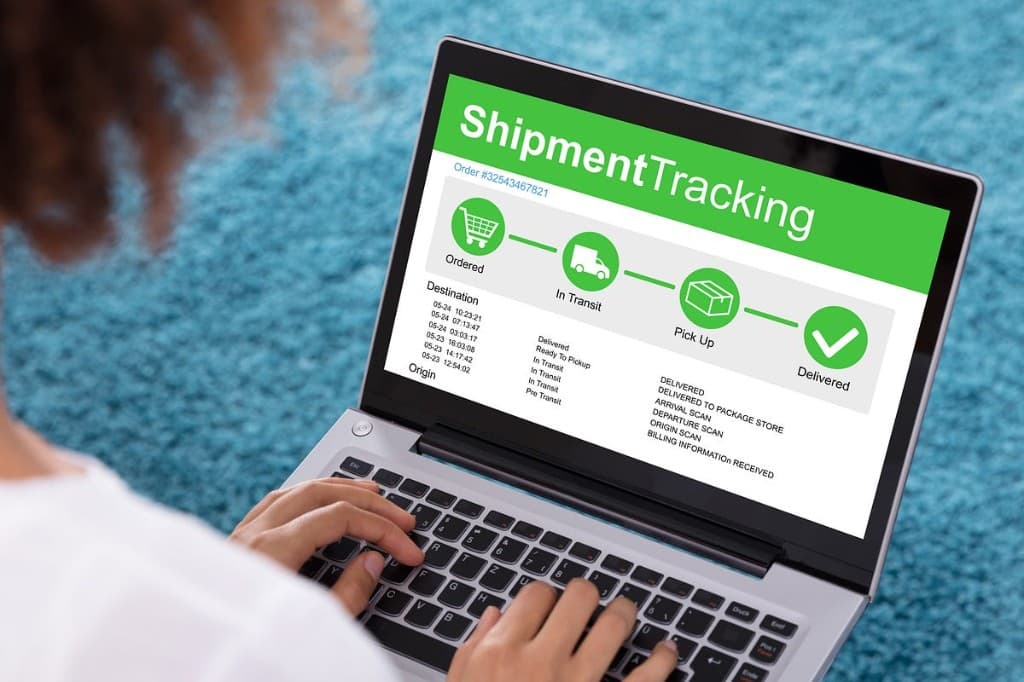
Real-time visibility. Live status should show when data was last updated, which event is confirmed and what requires action. A map alone does not provide adequate operational context.
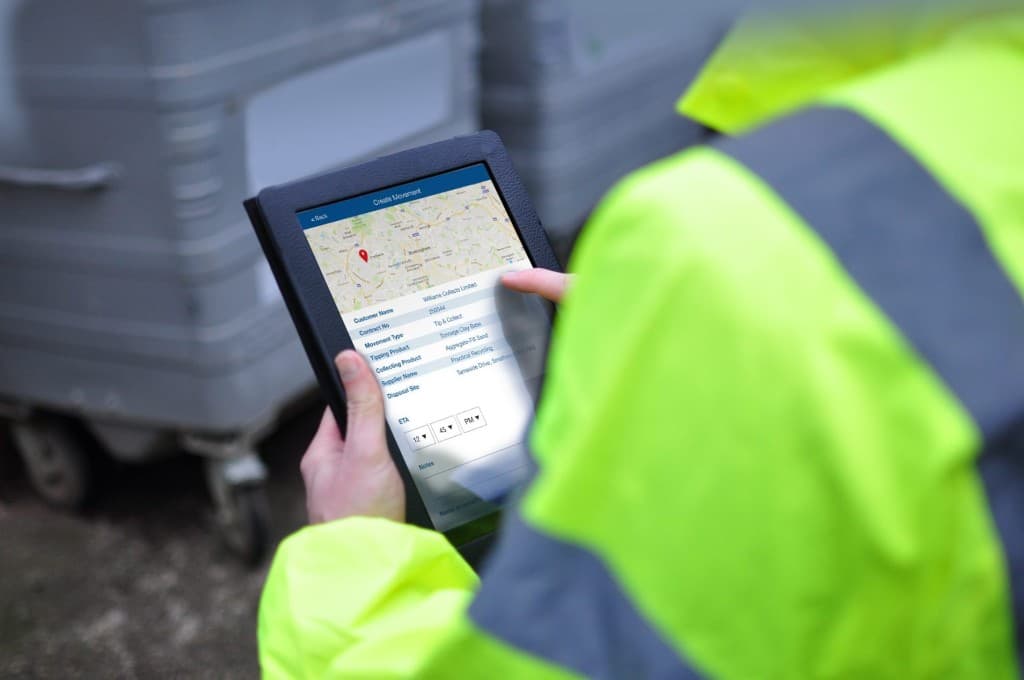
Fleet and resource management. Useful capabilities include vehicle availability, driver assignments, asset records, route context and connections to existing telematics tools.
Warehouse and inventory operations. Depending on your business, look for receiving, putaway, transfers, stock accuracy, location management, cycle counts and dispatch coordination.
Planning calendars. Shared schedules help teams coordinate loading slots, vehicle availability, warehouse capacity and customer appointments.
Finance and billing. Shipment-linked quotations, charges, invoices, payment status and accounting integrations can reduce manual reconciliation between operations and finance.
Reporting and automation. Dashboards should surface service failures, capacity problems and performance trends. Automation should reduce repetitive steps while retaining appropriate approvals.
Integrations and permissions. A modern logistics platform needs secure APIs or connectors, role-based access and auditable changes. Check whether customers and external partners can see only the information intended for them.
How a connected system improves daily work
Consider a warehouse preparing an outbound order. The transport team needs a reliable ready time, the customer needs an ETA and finance needs the correct service charges. In a disconnected process, a delay may be reported separately by email, chat and spreadsheet. When records are linked, the warehouse event can inform the shipment timeline, the planner's exception view and the customer update process.
The benefit is reduced duplicated entry and clearer accountability. Employees spend less time locating the newest version of a record and more time solving actual operational problems. However, integration alone will not fix weak processes; teams must agree on ownership, statuses and handoff rules.
Benefits worth quantifying
Software investments should connect to measurable outcomes. Common targets include less administrative time per shipment, fewer missed milestones, improved stock accuracy, faster exception response and shorter invoice preparation cycles. Customer service may also improve when teams can answer status questions using confirmed data.
Avoid assuming a fixed percentage improvement from marketing claims. Establish your own baseline and evaluate benefits against licensing, implementation, training, support and ongoing integration costs. A smaller operation may prioritise fast deployment and core visibility; a multi-site provider may need more extensive permissions and configuration.
A practical buyer checklist
Before demonstrations, document your current shipment volume, number of warehouses, vehicle assets, users, countries and customer types. Identify the five workflows that cause the most friction. Then use this checklist during vendor evaluation:
1. Can the software represent our actual shipment, warehouse and billing processes without extensive workarounds?
2. Which features are included in the proposed tier and which require add-ons or third-party services?
3. How do ERP, accounting, carrier, GPS and customer systems connect and who maintains each integration?
4. Can users restrict customer, financial and employee data according to their roles?
5. What happens when a data feed fails, arrives late or duplicates an event?
6. Can our team export its records and maintain continuity if we change systems later?
7. What implementation, training, support, service levels and security documentation are available?
Request answers in writing for material requirements. A polished demo is useful, but a realistic scenario with your own data is far more revealing.
Deployment questions for european operations
Dutch and cross-border businesses should review language support, currencies, time zones and local working practices. Ask where data is processed, how personal data is protected, which subprocessors are involved and what contractual GDPR terms apply. Role permissions, audit trails, access reviews and backup procedures matter as much as a feature list.
Also consider the practical demands of expansion. Adding another site, entity or country should not require rebuilding the entire data model. Confirm capacity limits, API allowances, onboarding support and how subscription costs grow with shipment or asset volume.
How to run a meaningful product pilot
Choose a representative workflow: receive an order, create a shipment, plan its movement, record a delay, notify the customer and prepare the invoice. Include at least one exception, not just the happy path. Measure the number of manual touches and the time required at each stage.
Invite users from dispatch, warehouse, customer service and finance. Their feedback will expose integration gaps that an executive-level dashboard cannot. Define pass/fail criteria before the trial so the final decision does not depend only on first impressions.
Where Velqora sits in this category
Velqora describes an AI-powered logistics platform connecting shipments, fleet, warehouses, inventory, planning and finance. Its positioning is relevant for businesses looking to replace fragmented operational views with one workspace.
Prospective buyers should compare the modules, integrations, plan limits and security requirements against their own checklist and request a guided demonstration.
Frequently asked questions
Is logistics management software the same as an ERP? Not necessarily. Logistics platforms specialise in physical operations; an ERP often manages wider financial and organisational processes. They may integrate or overlap.
Can a small logistics company benefit? Yes, provided the solution fits its complexity and budget. Prioritise a few high-value workflows rather than the longest feature list.
What is the biggest implementation risk? Poor process ownership and inconsistent master data can undermine even technically strong software.
Final takeaway
The best logistics management software is not simply the platform with the most modules. It is the one that reliably connects your critical workflows, works with existing systems, protects data and produces measurable operational improvements.
Explore Velqora’s connected logistics workspace and request a guided demo with your real workflows.